Better photos,
same phone.
Almost everything that separates a snapshot from a photograph happens before the shutter: where you stand, where the light comes from, and where you tap. Here is how to control all three with the camera app that shipped with your phone.
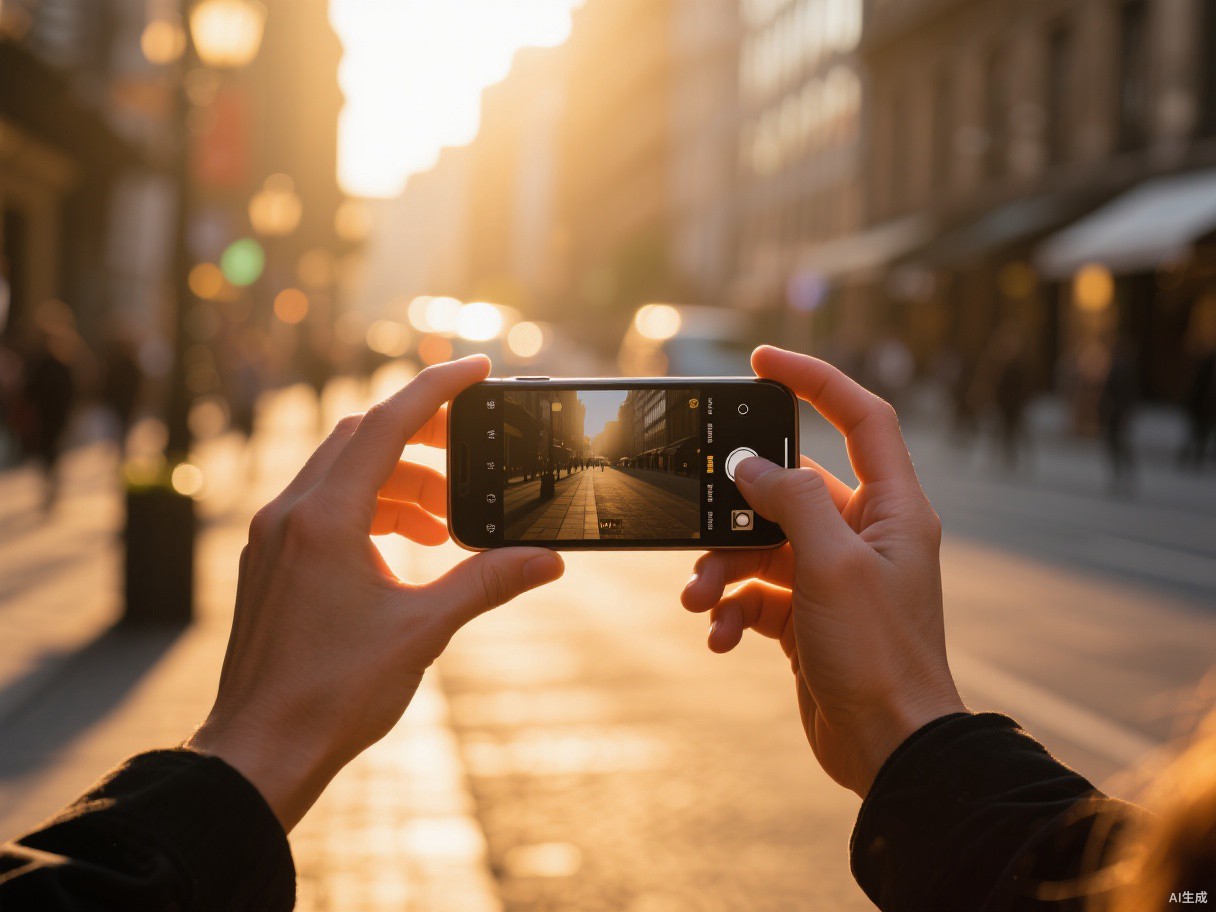
Read the light before you raise the phone.
Hard light, soft light, backlight, window light — four situations and four small decisions that fix most dull photos.
What to change first.
In order of impact. If you only adopt two of these, make it the first and the sixth.
Clean the lens — actually clean it
A fingerprint on the lens turns every light source into a soft haze and drains contrast out of the whole frame. Wipe it with a cotton shirt, a microfiber cloth, anything that isn't a paper towel.
This is the single most common reason phone photos look "flat", and it takes four seconds.
Put the light behind you, or beside you
Front light makes faces bright and safe. Side light (roughly 45°) adds shape and texture. Backlight creates silhouettes and glowing edges, but will underexpose the face unless you tap the subject and raise exposure.
When the sun is harsh, move the subject into open shade. A wall, a doorway or the shadow of a building gives you soft, even light for free.
Turn on the grid and use the thirds
Enable Grid in the camera settings. Place the subject's eyes, the horizon or the strongest vertical on one of the two lines, not dead centre.
Keep the horizon level — most camera apps show a faint crosshair when the phone is tilted, and fix it by turning your wrist, not by cropping later.
Tap to focus, hold to lock, slide to expose
- Tap once on the subject to set focus.
- Press and hold until you see "AE/AF Lock" to hold both focus and exposure — vital when a branch or a railing keeps stealing focus.
- Drag the little sun icon up or down to brighten or darken before you shoot.
Expose for the brightest thing you care about. Recovering shadow detail is easier than recovering a blown-out sky.
Use your feet, not the pinch-to-zoom
Digital zoom crops the sensor and turns detail into mush. Step closer instead. If you must zoom, tap the phone's 2× or 3× lens button — those are optical, and the quality difference is visible.
For small objects, back up slightly and use the telephoto lens rather than leaning in with the main one.
Hold the phone properly — both hands, elbows in
One-handed shooting at arm's length is why so many photos look slightly soft. Hold with both hands, tuck your elbows into your ribs, and exhale before pressing the shutter.
The volume button works as a shutter release and creates less shake than tapping the screen. On many phones, pressing volume down twice opens the camera from the lock screen.
Night mode: brace, tap, hold still for two seconds
Night mode takes a burst of frames and aligns them. It only works if the phone is still, so give it something solid: a wall, a railing, a table, your knee.
- Tap the subject so exposure is set on something mid-bright, not a streetlight.
- If the night icon is off, tap it on. Expect a 2–3 second countdown.
- Hold your breath and keep the phone against your body until the shutter closes.
- Lower exposure a touch — night shots look better slightly dark than washed out.
Edit three sliders and stop
Use the built-in editor and touch only these: Exposure (overall brightness), Contrast (punch), Warmth (skin tones and sunsets). Add a small amount of Shadows lift if the subject is backlit.
Resist heavy filters and maximum HDR. A slightly flat photo that looks real ages better than a crunchy one that only works on a phone screen.
Two minutes before you shoot.
A short checklist you can run while the scene is still in front of you.
| Check | Why it matters | Quick action |
|---|---|---|
Lens |
A smudge kills contrast across the whole frame. | Wipe, then check a bright area. |
Light direction |
Determines shape, mood and where you stand. | Walk a quarter circle around the subject. |
Background |
Branches and bins grow out of heads. | Shift one step left or right. |
Focus point |
The camera guesses wrong surprisingly often. | Tap the eyes, hold if needed. |
Exposure |
Protect the highlights — they cannot be recovered. | Drag the sun down a notch. |
Framing |
Most images improve with less in them. | Take one step closer. |
One photo idea every week.
A small assignment, a technique to practise, and no gear to buy. Perfect for a daily walk.
Demo form — nothing is sent or stored.